Colour Scales
Building a colour scale generator website with AI
Responsibilities
Prompt-Driven Development
Timeline
2 Weeks
Platform
Web
After coming across the uicolors.app website I was really impressed with how well this tool solved the problem of selecting great colour scales for a new UI project. However, it got me thinking — what if you could use natural language to generate and fine-tune colour scales? I decided to give it a try.
Video walkthrough of Colour Scales
As part of my exploration of AI tooling, I wanted to experiment with skipping Figma entirely and jumping straight into code. In another passion project called TakeFive — a microbreak reminder and tracking app — I had used AI to build the prototype, but created all the designs as I normally would in Figma Design. This time I skipped Design altogether and went straight into Make.
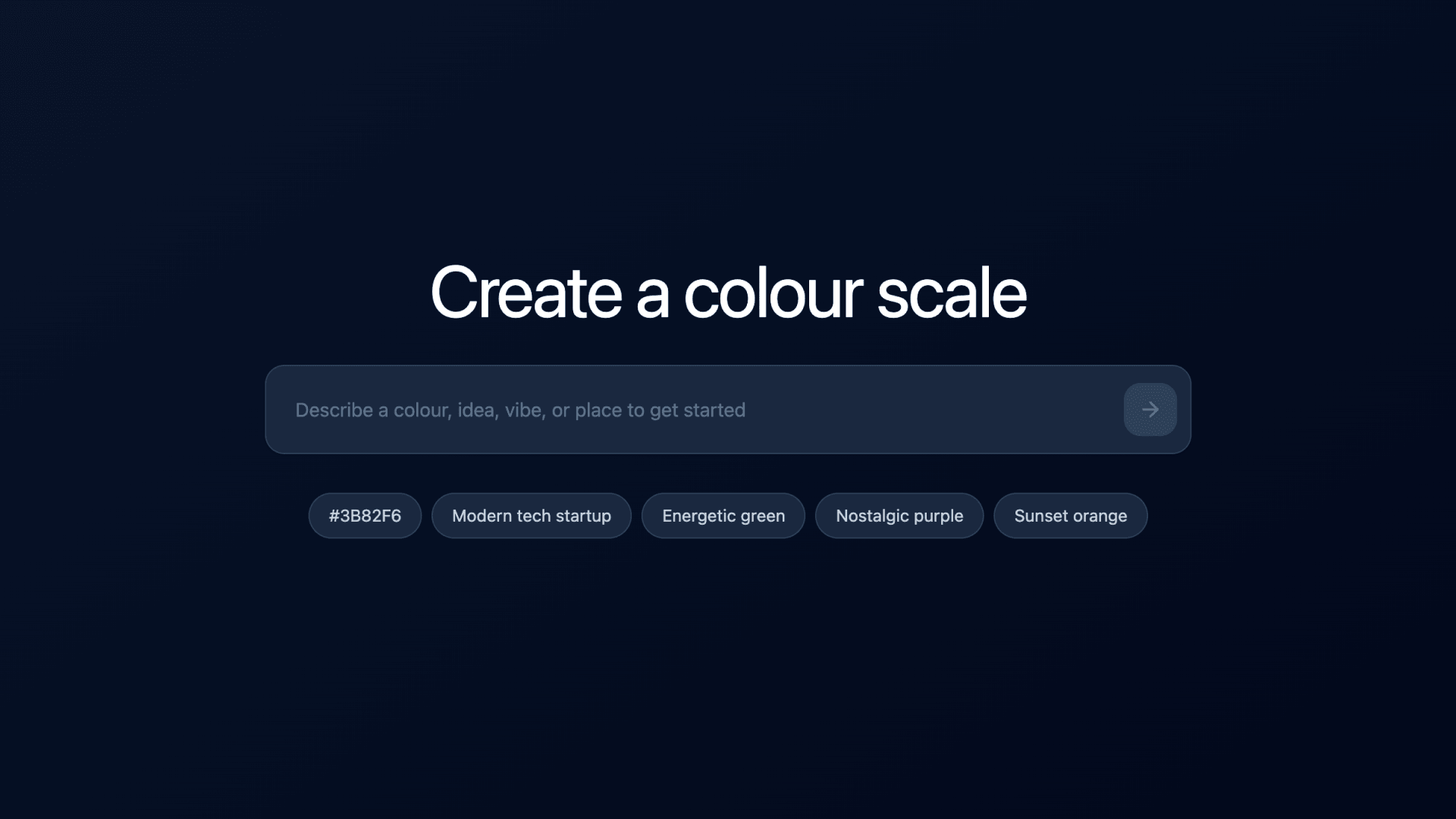
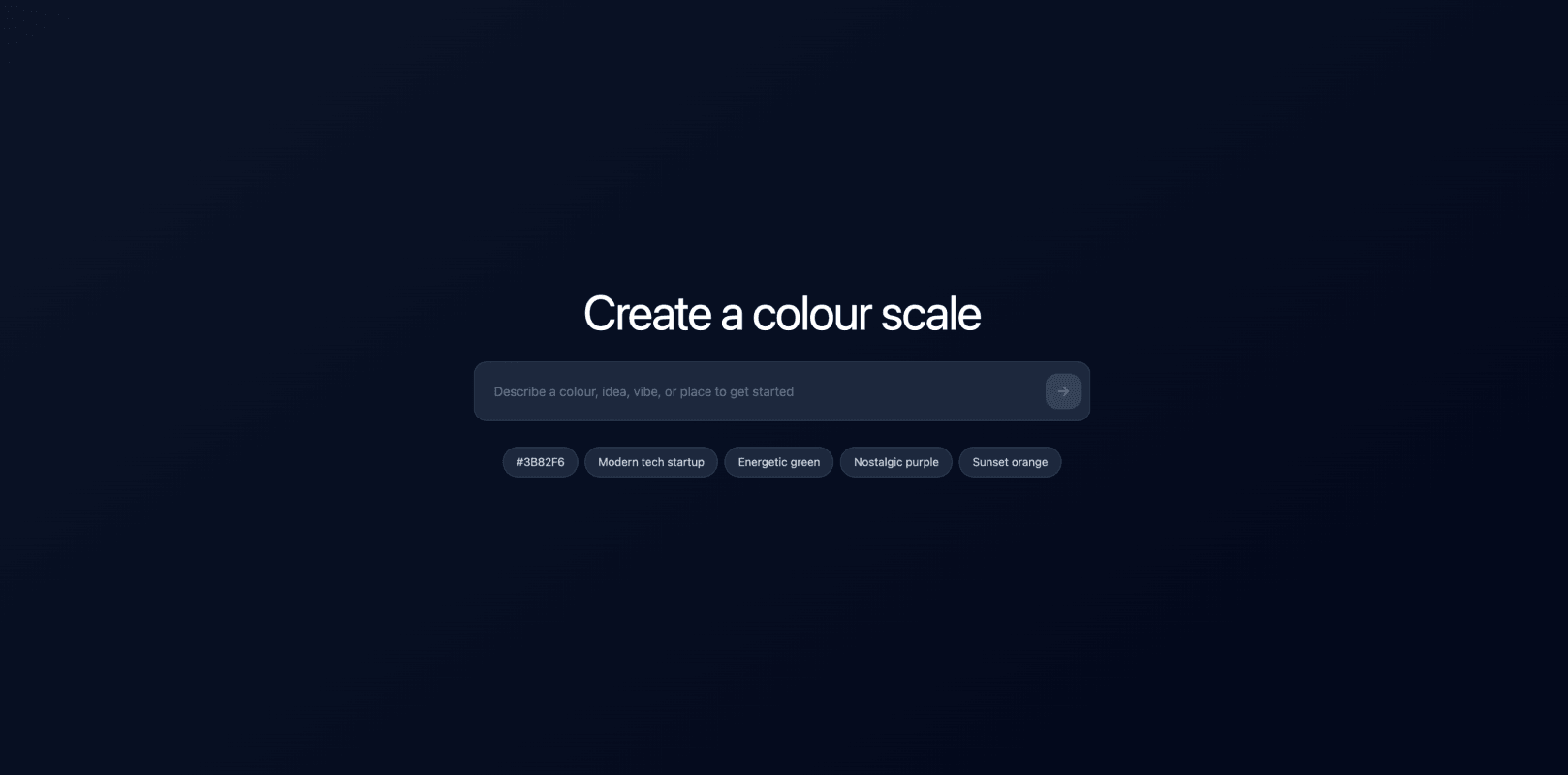
I started by building a "Create a colour scale" page — a simple text input with pill button suggestions to spark ideas, covering four different input types to show users they could start from anything.
Once the basics were in place, I connected it to Supabase and configured the AI instructions. I tested across GPT-4o Mini, GPT-4.1 Mini, and GPT-4.1, refining the prompt several times. Two things took the most iteration. First, the saturation curve — in HSL, high lightness naturally kills vibrancy, so lighter shades need boosted saturation just to read as coloured, while darker shades need it pulled back to avoid feeling overwhelming. Second, hue rotation — subtly shifting the hue toward brighter values in lighter shades and darker values in darker shades enhances perceived depth across the scale. The two Mini models struggled with both, consistently producing flat results. GPT-4.1 produced the most consistent results.
Abridged code snippet
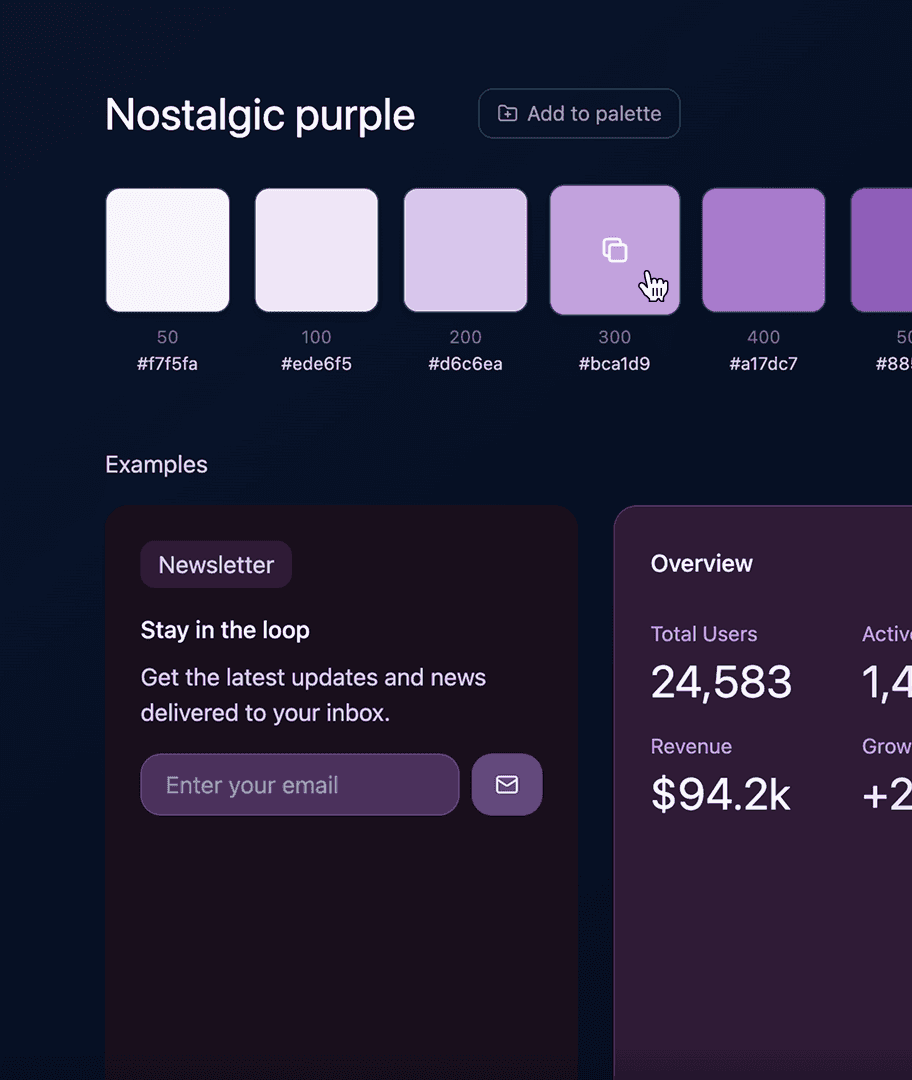
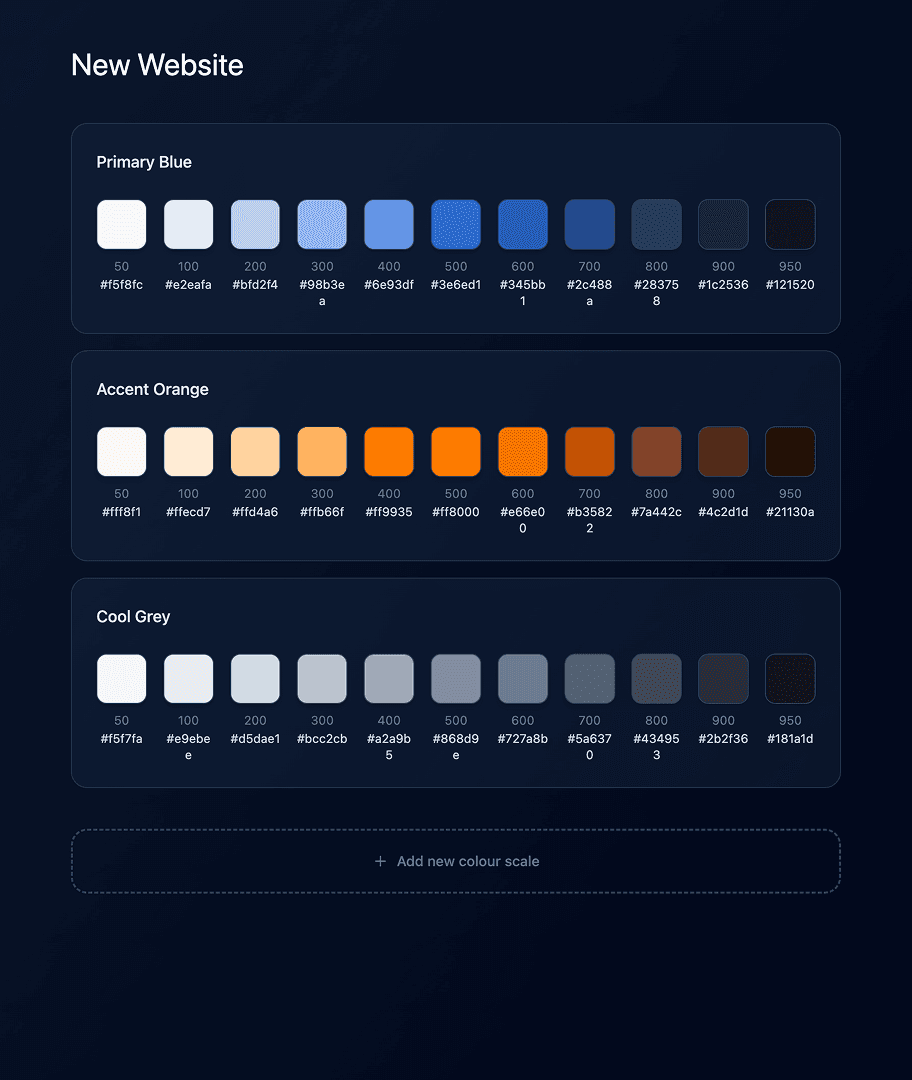
Finally, I tidied up the UI and published the experiment. It was a fun way to test out a concept I wouldn't have been able to explore before, but it wasn't without frustration. Simple UI tweaks, like getting the right cursor on hover states, often took two or three prompts to land correctly.
For now, my preference is to start in Figma design rather than jumping straight into prompting — having design decisions locked in beforehand means less time wrestling with small details and fewer wasted credits. Though I suspect that could change if the AI had a design system to work with from the start.